Friends
Your favorite plus-one.
THE VIRAL AI VIDEO TREND
Upload two photos and turn them into a viral Hotel Lobby-style AI video in minutes.
Free demo to try · No editing skills needed
Original AI demo cast. Same main-character energy.
CREATE YOUR VIDEO
Upload two clear photos and let AI create the scene.
A CAST OF POSSIBILITIES
Different duos. Same iconic energy.
Pre-generated AI video examples featuring our original cast, not videos made from your uploaded photos.
Your favorite plus-one.
A little chemistry.
Unreasonably iconic.
Out of your imagination.
LESS EDITING. MORE YOU.
Choose clear photos of the people you want in the video.
Hotel Lobby AI turns your photos into the viral-style video.
Save your video and share it anywhere.
FROM THE EVERYDAY TO THE UNEXPECTED
No editing. No complicated prompts.
Just upload and generate.
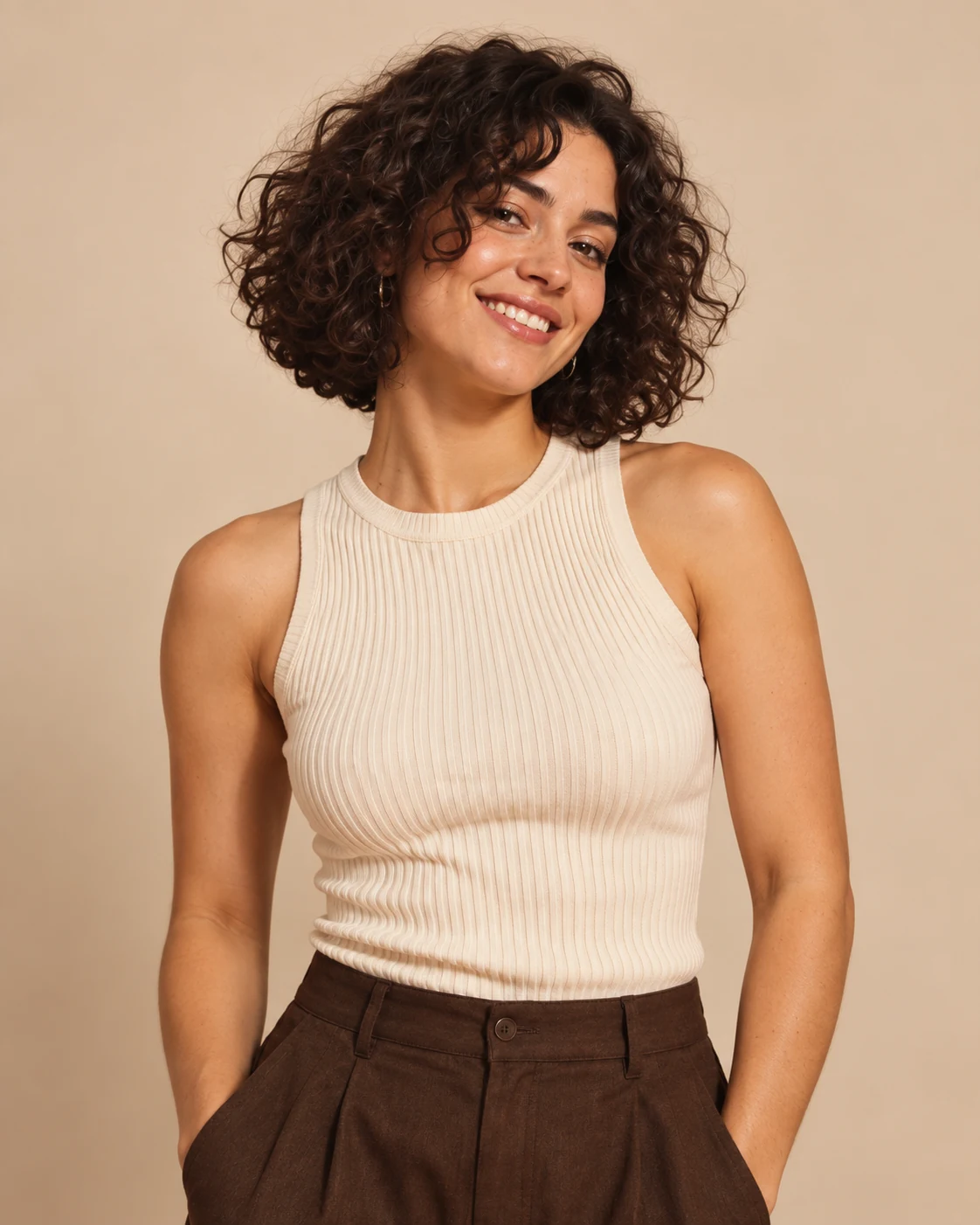 PHOTO 01
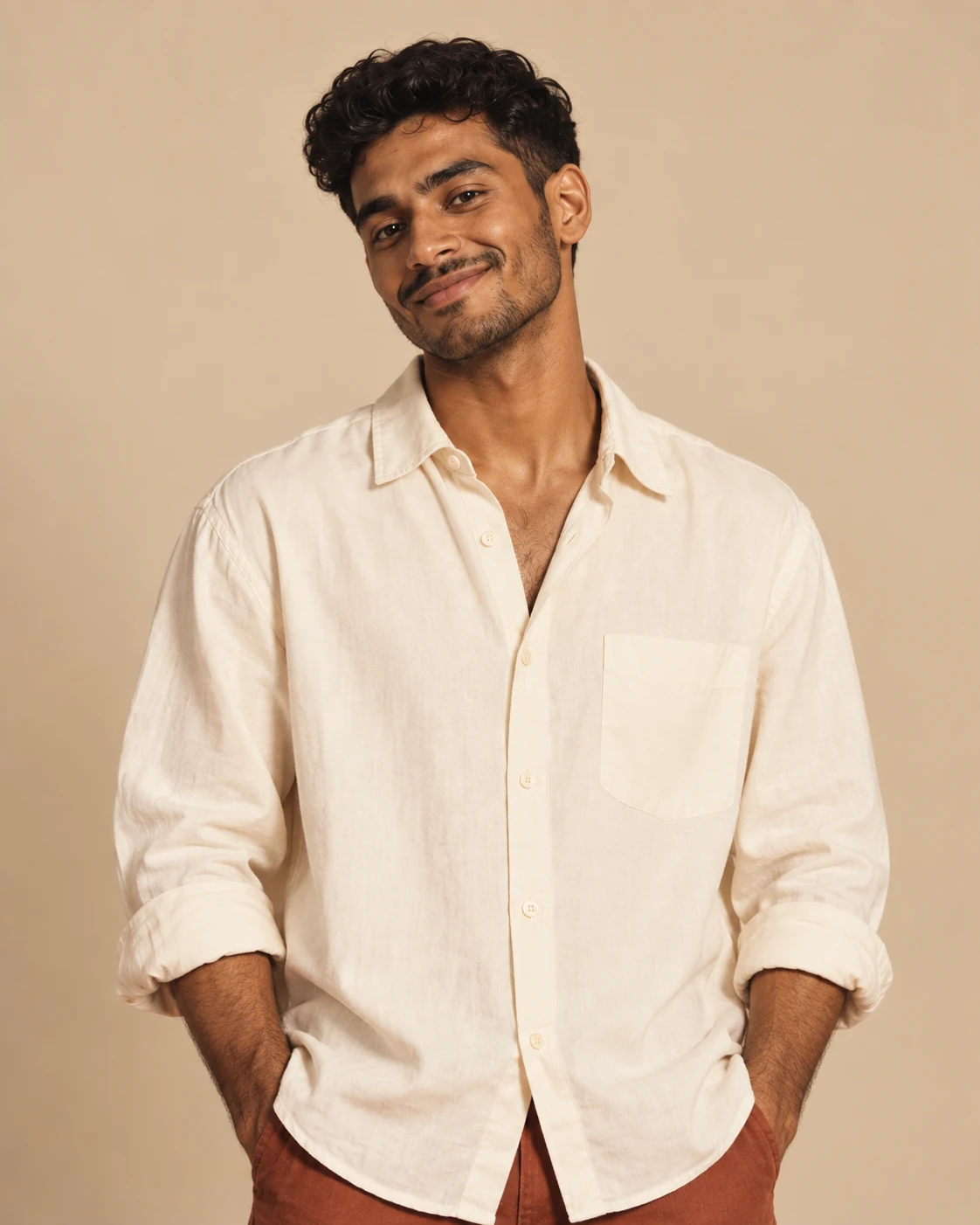 PHOTO 02
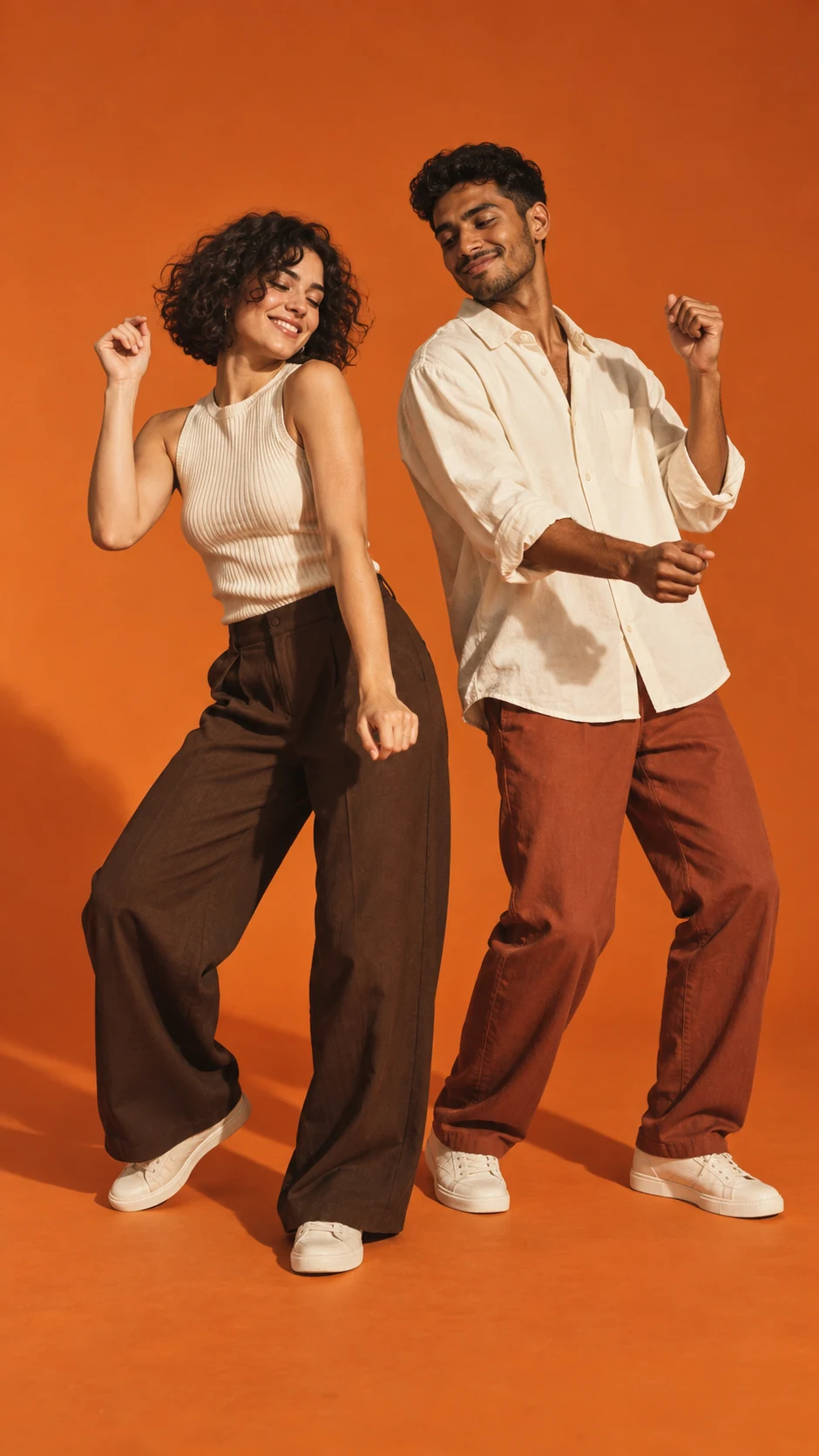 THE CONCEPT
Concept walkthrough with original AI demo characters.
A LITTLE CONTEXT
An AI video tool for putting two characters into a warm, studio-style performance scene. Start with two individual photos, choose your cast, and let the generator build the moment.
Open the generatorThe appeal is the unexpected pairing: familiar faces, an understated set, and a playful performance. Our original demo characters show the visual direction without using official artist footage.
Explore the video formatChoose one clear photo per person, generate the scene, then preview and download. A few small photo choices can make the result easier to recognize.
Read the three-step guideYou can try the demo workflow without paying. The demo uses an example clip; personalized generation and available credits depend on the live service configuration.
See what you can try for freeThis effect is a generated video, rather than a live camera filter. Two still photos are the starting point.
How the filter worksPeople searching for “Migos AI” may be looking for the viral Hotel Lobby-style AI video trend. Hotel Lobby AI is an independent creative tool.
Learn about the Migos-style trendGOOD QUESTIONS
The details, before your big entrance.
Hotel Lobby AI is an independent creative tool for making two-person, Hotel Lobby-style performance videos from photos. It is not an official artist product.
Add one photo for Person 1 and another for Person 2, select Generate, then preview and download the result. The generator clearly labels demonstration mode when personalized generation is unavailable.
The demonstration workflow is free to try. It returns an example clip, not a personalized AI video. Live generation uses credits when enabled; the generator shows the required amount before you generate.
Two photos: one clear, front-facing photo of each person. JPG, PNG, and WEBP images are supported.
Yes, if you have their permission and the right to upload their photos. Do not use the tool to impersonate, harass, or mislead people.
Live processing time varies by provider and demand. The generator shows the job state while you wait; it does not promise an exact completion time.
Yes. A successful result includes a Download Video button. Demo downloads are labeled as example clips.
Yes. Open the site in your mobile browser, select photos from your camera roll, and use the same upload, generate, and download flow.
YOUR TURN IN THE SPOTLIGHT
Upload two photos and create your Hotel Lobby AI video.