Friends
Your favorite plus-one.
THE THREE-STEP GUIDE
Choose your cast, let AI create the scene, and save the result. Here is how to go from your camera roll to a Hotel Lobby-style video.
CREATE YOUR VIDEO
Upload two clear photos and let AI create the scene.
A CAST OF POSSIBILITIES
Different duos. Same iconic energy.
Pre-generated AI video examples featuring our original cast, not videos made from your uploaded photos.
Your favorite plus-one.
A little chemistry.
Unreasonably iconic.
Out of your imagination.
LESS EDITING. MORE YOU.
Choose clear photos of the people you want in the video.
Hotel Lobby AI turns your photos into the viral-style video.
Save your video and share it anywhere.
FROM THE EVERYDAY TO THE UNEXPECTED
No editing. No complicated prompts.
Just upload and generate.
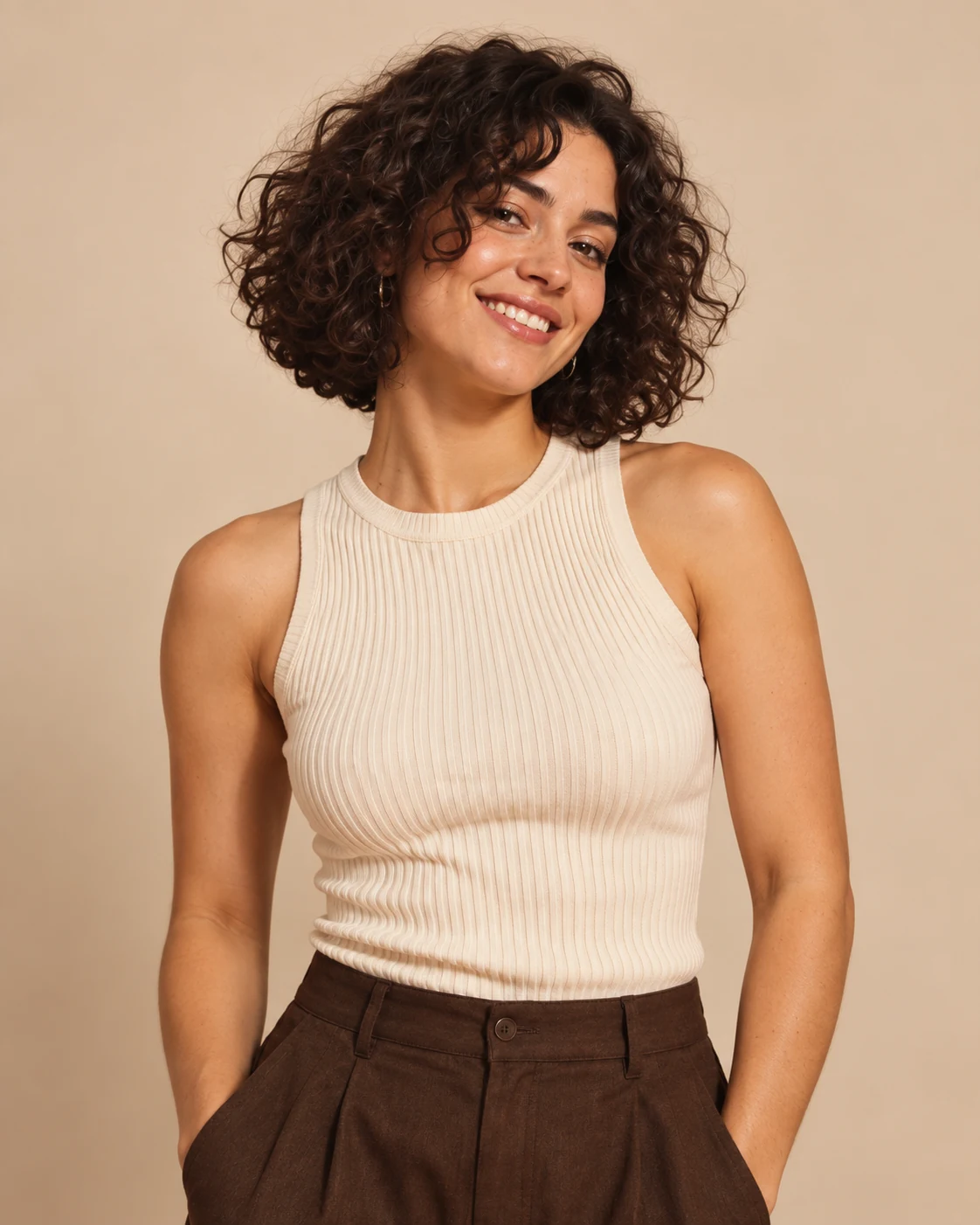 PHOTO 01
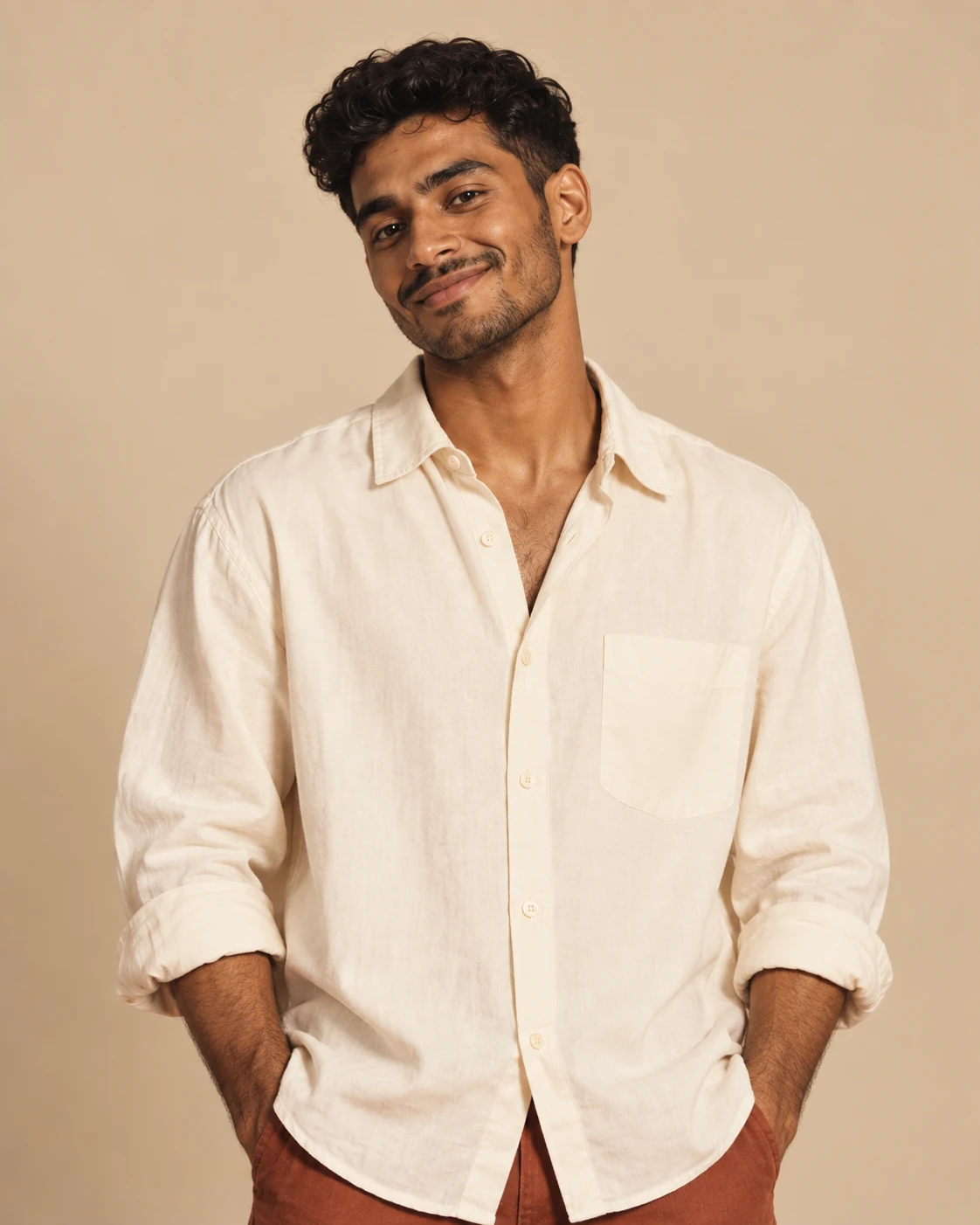 PHOTO 02
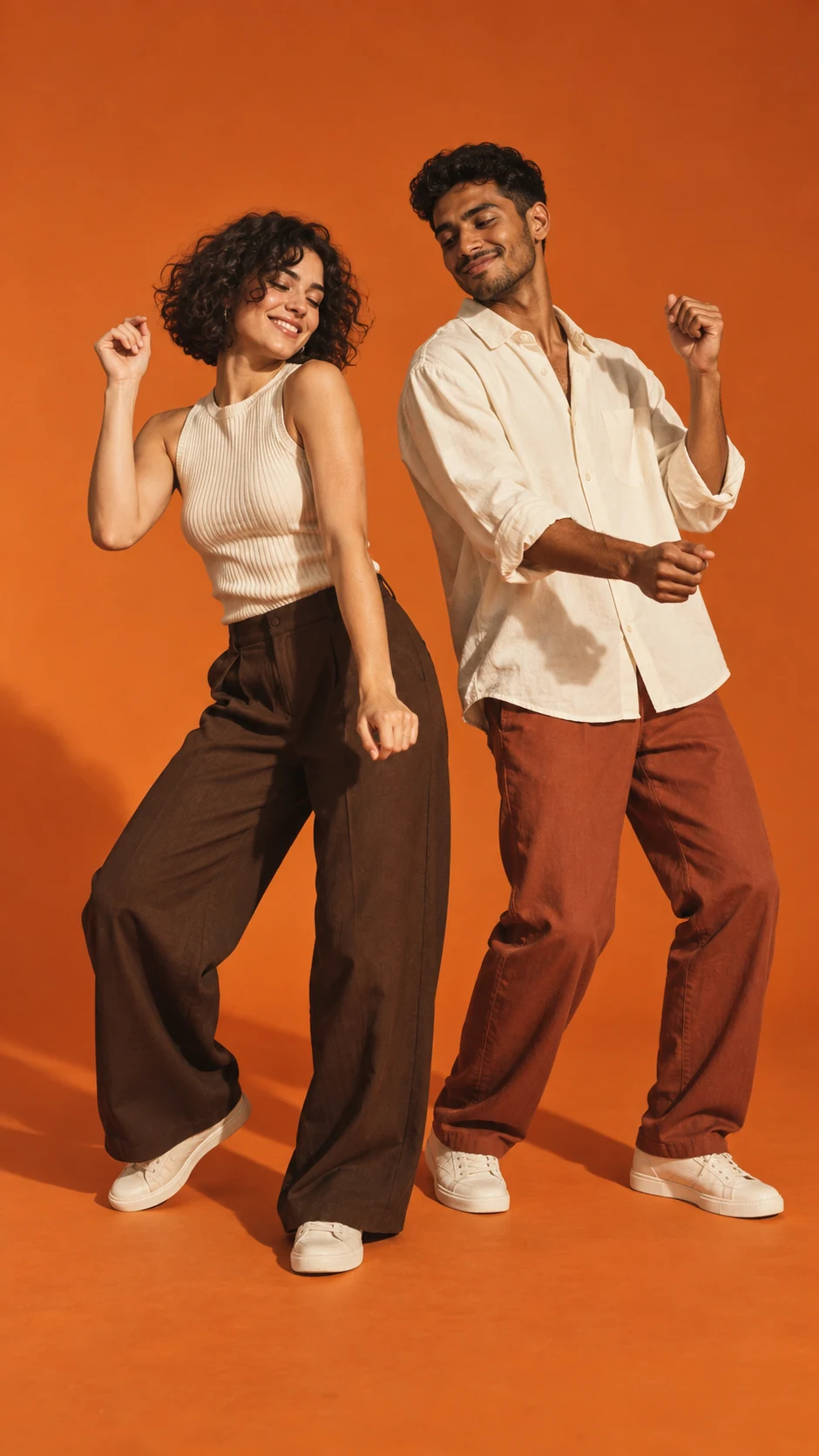 THE CONCEPT
Concept walkthrough with original AI demo characters.
A LITTLE CONTEXT
Choose one image for Person 1 and one for Person 2. Use clear, front-facing faces with good lighting. Crop out extra people and avoid sunglasses, heavy blur, or faces cut off by the frame. Confirm you have permission to use both photos.
Select your photosCheck both image previews and select Generate Hotel Lobby Video. Live generation may ask you to sign in and requires the displayed credits. Keep the page open while it checks job status. In demo mode, the result is a clearly labeled example clip.
Understand demo and live generationPlay the completed video and check the result. Select Download Video to save it, or Create Another to start a new pairing. Share only with the people pictured’s permission, and use music you have the right to add.
Explore the video formatReplace a blurry image with a sharper portrait. Use a single person in each photo and a simple background. AI output can vary even when the same photos are used; there is no guaranteed exact likeness or motion.
How this photo effect worksGOOD QUESTIONS
The details, before your big entrance.
Use a sharp, well-lit, front-facing image with one person per photo. Keep the full face visible and avoid heavy filters or a very small face in the frame.
Both photo slots must contain valid images before generation can start. Wait for any uploads to finish and check the visible message for missing credits or service availability.
No. The workflow is photo selection, generation, and download. You can edit the downloaded video separately if you want to add captions or licensed audio.
Select Create Another after the result appears, then replace either photo or try a new pairing. Each live generation uses the displayed number of credits.
YOUR TURN IN THE SPOTLIGHT
Upload two photos and create your Hotel Lobby AI video.