Friends
Your favorite plus-one.
YOUR PHOTOS. YOUR CAST.
Two individual photos are all you need to start. Build your pair, generate the scene, and keep the result right here.
CREATE YOUR VIDEO
Upload two clear photos and let AI create the scene.
A CAST OF POSSIBILITIES
Different duos. Same iconic energy.
Pre-generated AI video examples featuring our original cast, not videos made from your uploaded photos.
Your favorite plus-one.
A little chemistry.
Unreasonably iconic.
Out of your imagination.
LESS EDITING. MORE YOU.
Choose clear photos of the people you want in the video.
Hotel Lobby AI turns your photos into the viral-style video.
Save your video and share it anywhere.
FROM THE EVERYDAY TO THE UNEXPECTED
No editing. No complicated prompts.
Just upload and generate.
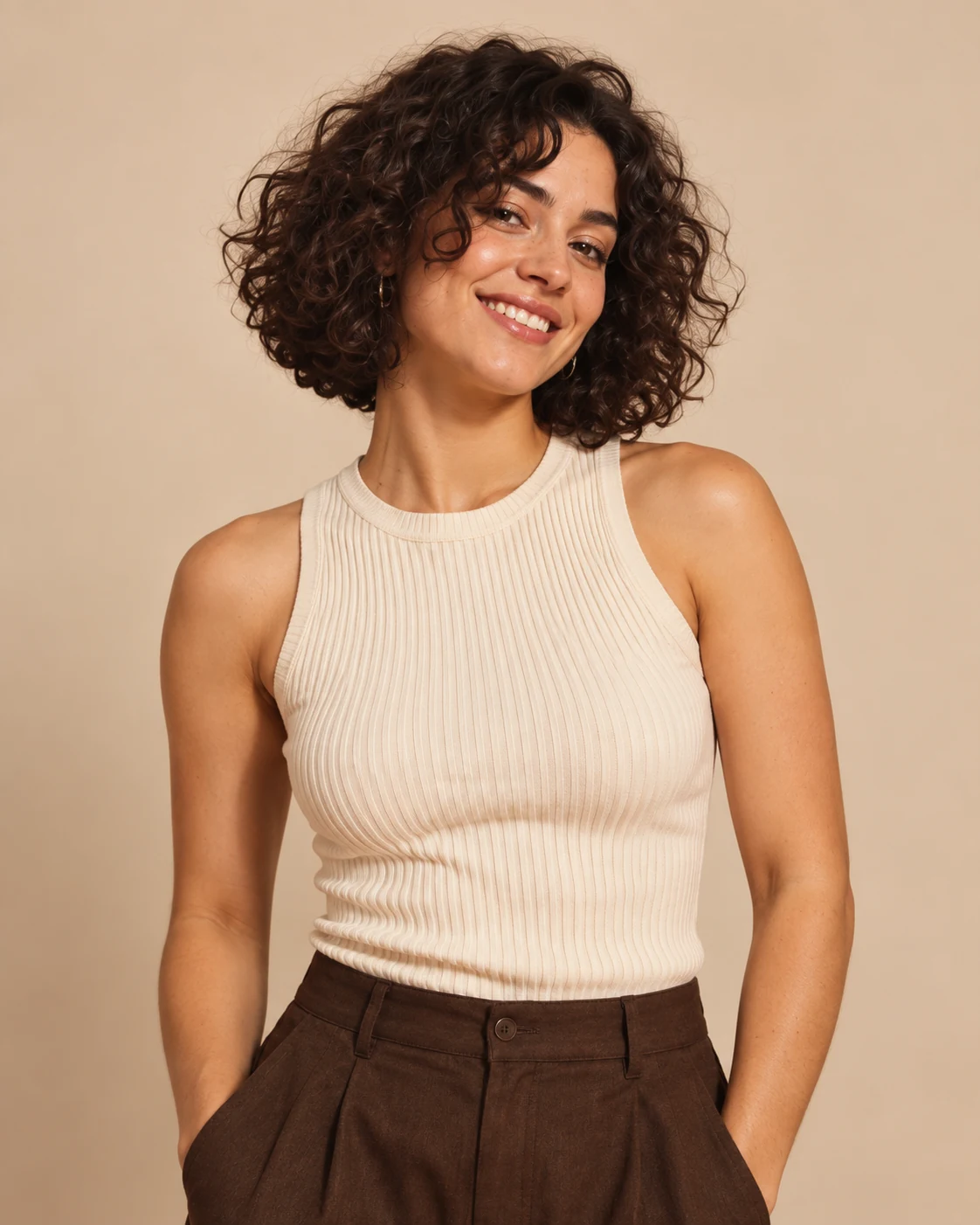 PHOTO 01
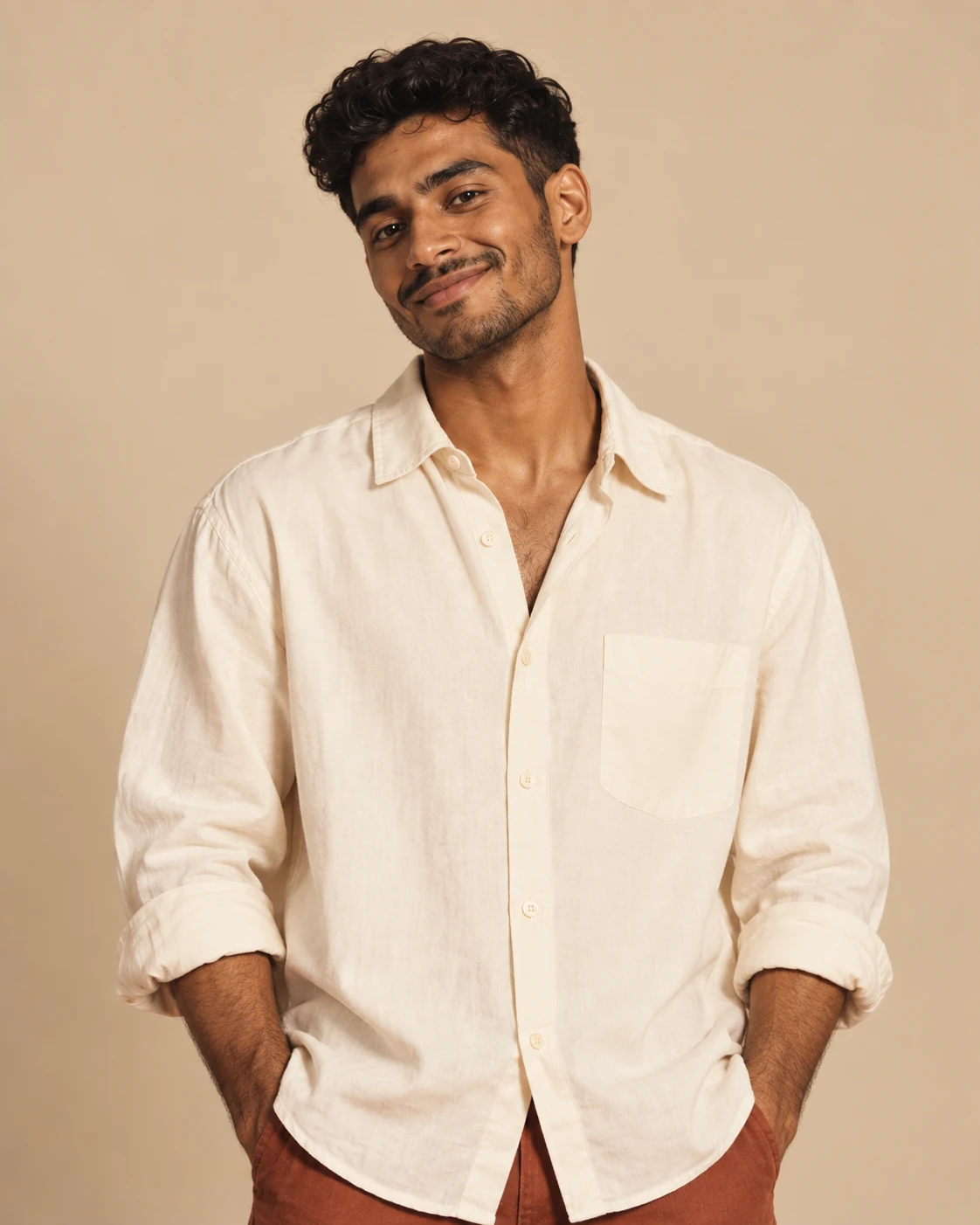 PHOTO 02
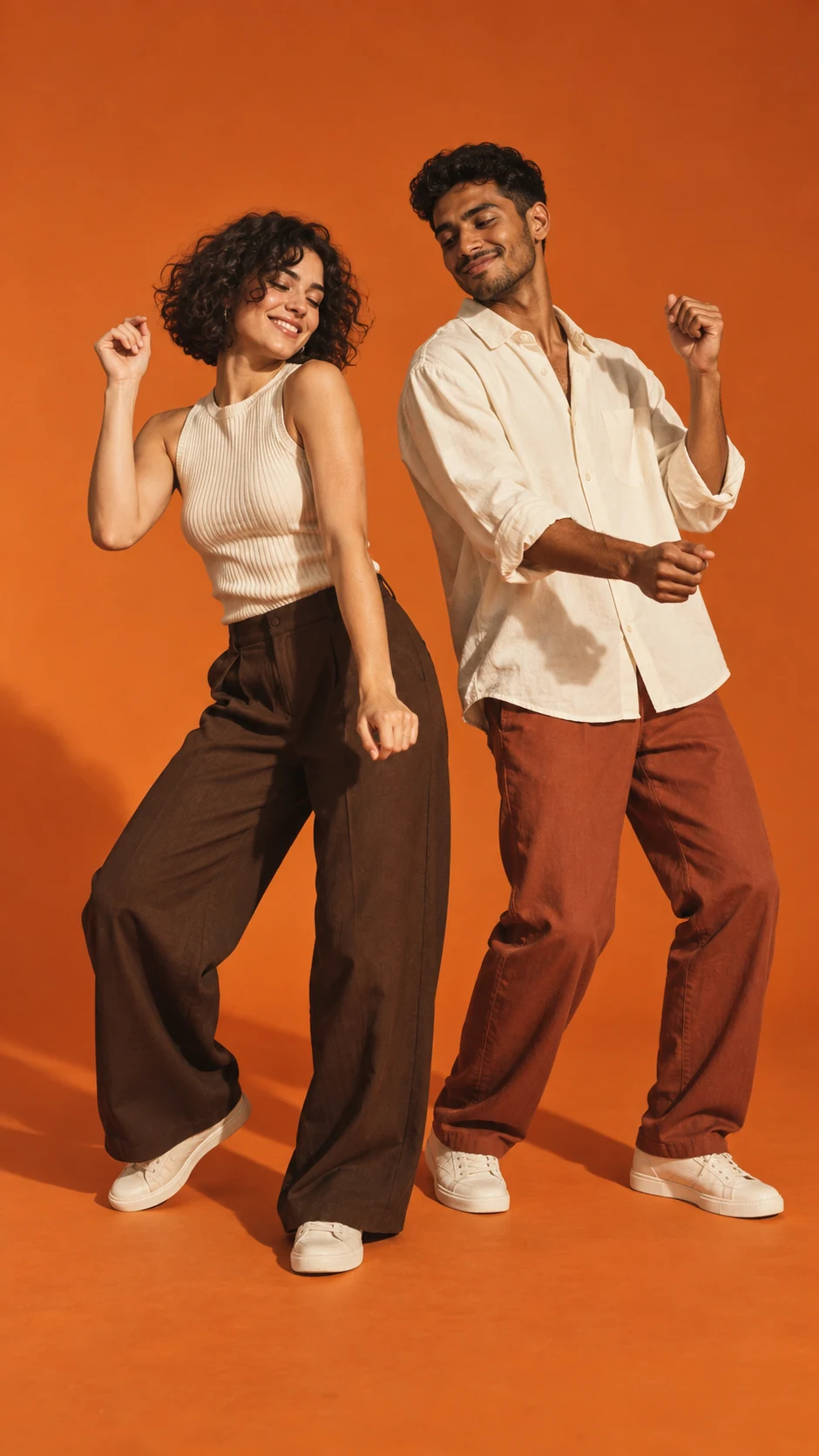 THE CONCEPT
Concept walkthrough with original AI demo characters.
A LITTLE CONTEXT
Add one photo to each upload card. You can replace or remove either photo before generating. Choose well-lit faces with no heavy blur or obstruction.
Choose better source photosFollow the processing state on this page. When the job succeeds, the result appears beside your photos with a player and download action. A failed live job restores the credits reserved for that attempt.
Understand the video formatWhen the tool is in demo mode, it returns a clearly labeled example video without sending your photos to an AI provider. Personalized results require the live generation service.
What is free to try?GOOD QUESTIONS
The details, before your big entrance.
JPG, PNG, and WEBP files up to 10 MB each. Use one person per photo and make sure you have permission to use both images.
Yes. Use Replace to choose another image, or Remove to clear the upload card.
No. The Hotel Lobby-style scene is prepared for you. Start with two photos and use the Generate button.
You see a failure message and can try again. For a live job that consumed credits, the failed job returns those credits through the existing credit transaction system.
YOUR TURN IN THE SPOTLIGHT
Upload two photos and create your Hotel Lobby AI video.