Friends
Your favorite plus-one.
START WITH THE PERFORMANCE REFERENCE
A Higgsfield Hotel Lobby recast starts with a performance reference and intended replacement cast. This step-by-step guide explains that preparation and contrasts it with Hotel Lobby AI’s separate two-photo workflow. Our generator does not run Higgsfield or supply the original song recording.
Use Higgsfield’s own interface for its documented recast controls. The generator below is Hotel Lobby AI’s independent product, subject to its own availability and personal quote.
CREATE YOUR VIDEO
Choose two authorized photos, an optional topic and an available specification; check your quote before preparing and confirming the paired preview.
Two photos. One original performance.
The studio is taking longer than expected to load. Reload this page · Email support
A CAST OF POSSIBILITIES
Watch the original Friends, Couples, Pets and Characters videos. These historical examples use an earlier workflow, not the current model, settings or song occasions.
These four historical videos feature our original demo casts. They are preserved examples, not samples of the current model, available formats or song occasions, and were not made from your uploaded photos.
Your favorite plus-one.
A little chemistry.
Unreasonably iconic.
Out of your imagination.
LESS EDITING. MORE YOU.
This outline describes the Higgsfield recast approach discussed in the guide.
Select the performance segment whose movement and timing you want to reinterpret.
Choose clear references for the cast you want to place in that performance.
Explain the intended changes, then check the complete generated clip rather than its first frame.
FROM THE EVERYDAY TO THE UNEXPECTED
Original fictional concept portraits illustrate a possible pairing. This is a still-image concept, not a completed original-audio video or a result made from your current uploads.
Give your photos a new scene PHOTO 01
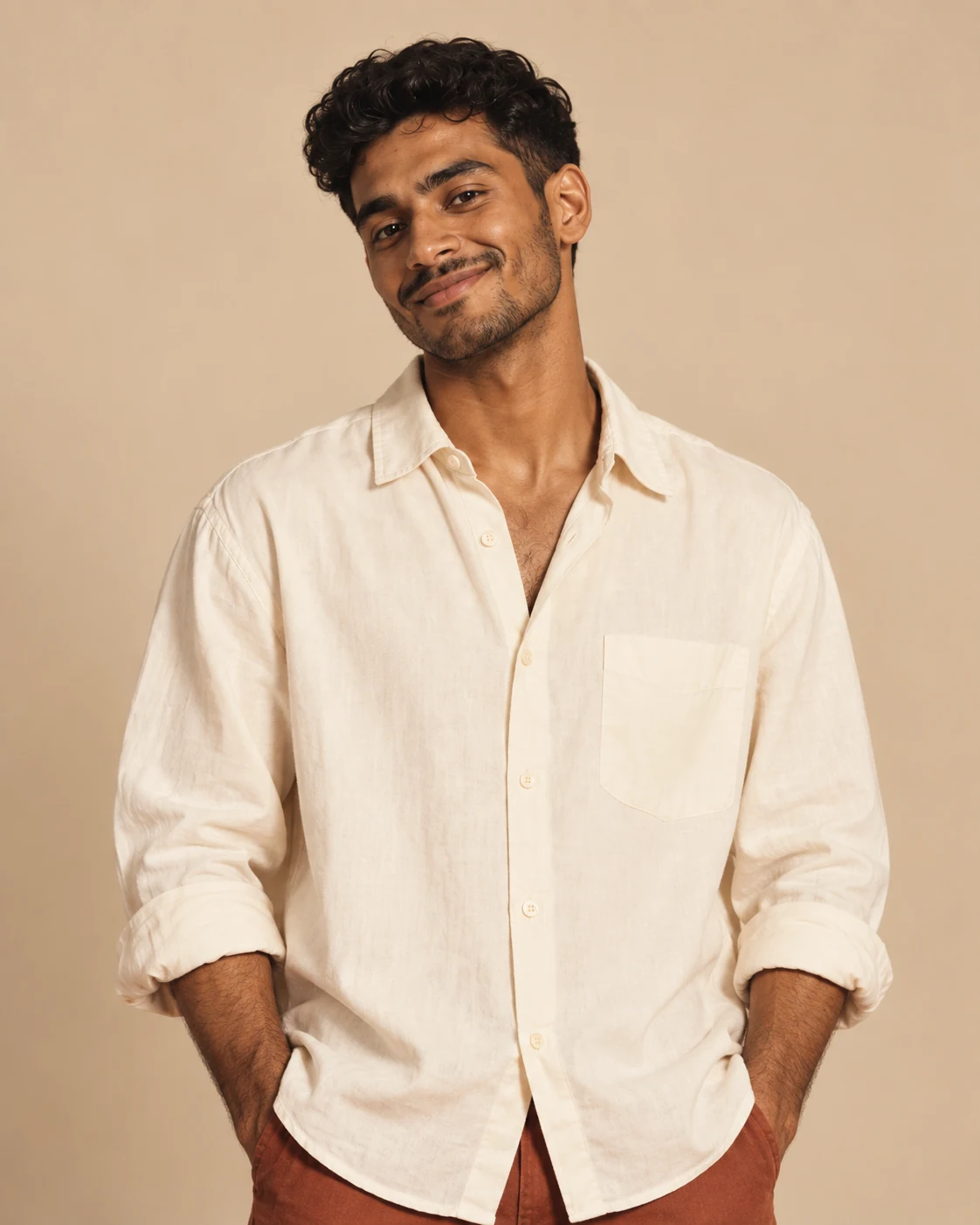 PHOTO 02
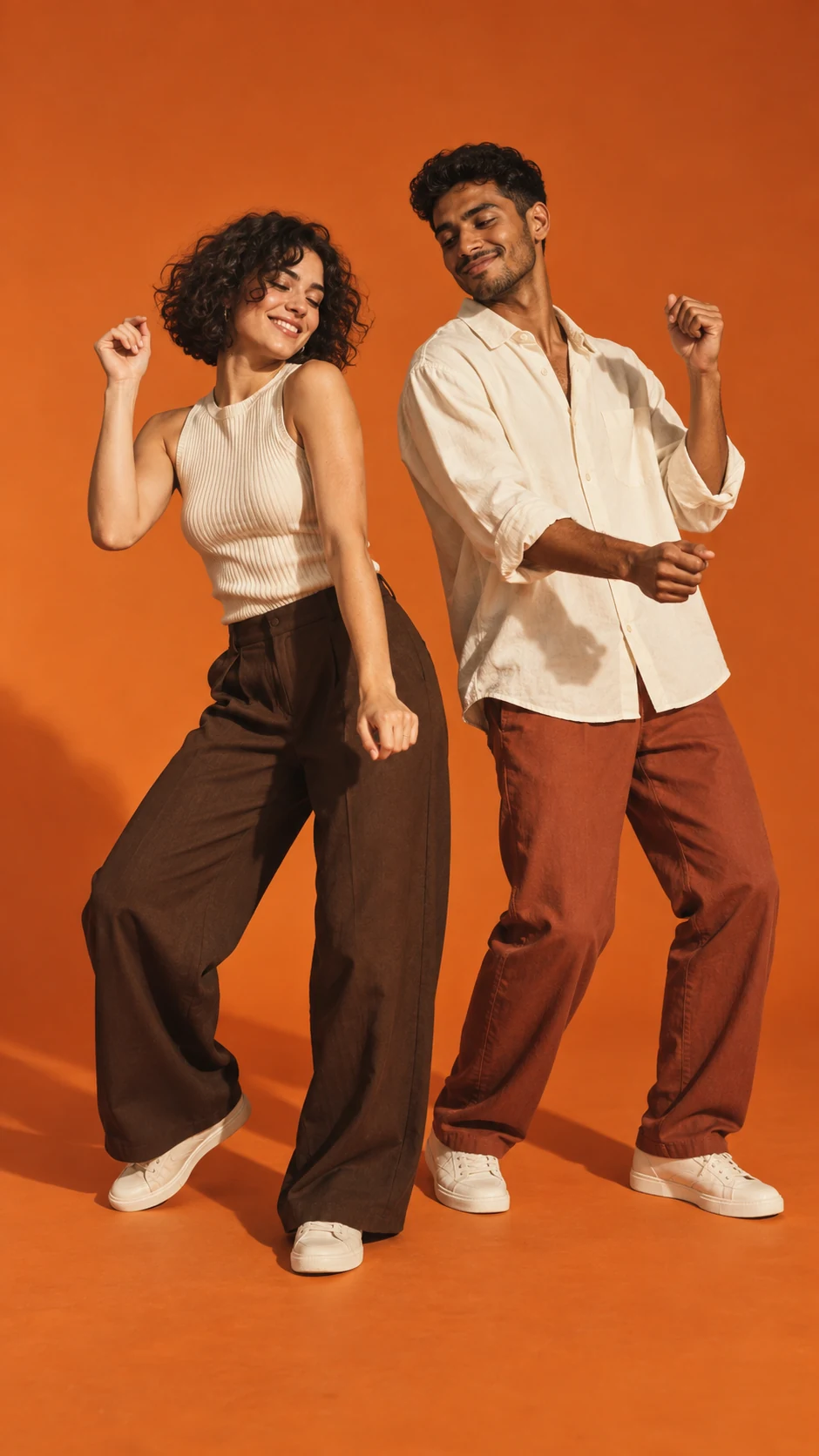 THE CONCEPT
Concept walkthrough with original AI demo characters.
A GUIDE TO REFERENCE-VIDEO RECASTING
Look for a recognizable new cast performing a familiar duet. There are several parts to that goal: the two subjects should remain distinct, the exchange should feel continuous, and gestures should happen in a coherent order. It is helpful to write these as separate things to review. A clip can be visually attractive while missing the intended character, or preserve a face while losing the interaction that made the reference interesting.
Start by deciding what you want to retain from the performance. Perhaps it is the timing of a turn, the way the two roles trade attention, or the camera's relationship to the pair. Then decide what should change. Keeping those choices separate gives you a clearer brief than a request to make everything look “just like the trend.” The examples on this site can help you explain a visual direction, but they are not demonstrations of Higgsfield output.
Hotel Lobby AI videoHiggsfield describes Genjutsu as a way to transform an existing video using references and instructions. Its published Motion Transfer workflow retains source movement, camera behavior, and timing while changing the scene or cast. That is the documented basis for the recast approach discussed here; it does not establish which tool produced any particular social video.
The practical starting point is therefore the performance clip. Choose the segment before gathering a large collection of character images. Watch whether it contains the interaction you want, whether the important gestures remain in frame, and whether there is a clear beginning and ending. These are our preparation suggestions, not extra requirements claimed on Higgsfield's behalf. A clip with an unsuitable action sequence is difficult to turn into the right creative brief simply by adding a more detailed portrait. Likewise, a useful reference does not guarantee that every generated face, gesture, or mouth movement will meet your expectations.
How to make a Hotel Lobby videoFirst, prepare the reference video. Pick a segment you are entitled to use and watch it all the way through. Note which performer occupies each role and which moments matter most to your idea. Write down any difficult overlaps, turns, or hands crossing faces so you can inspect those same moments afterward. This gives your review a purpose beyond asking whether the opening frame looks impressive.
Next, prepare the character photo or photos. Choose clear images and keep their order deliberate. For a two-role concept, describe each intended subject separately rather than assuming a collection of images explains the casting automatically. Multiple references should not be treated as proof that every multi-person arrangement will work.
In Higgsfield, upload your reference video and clear character photo or photos, then choose Motion Transfer or Object Swap and describe what should change. Check the displayed credit cost before selecting Generate. After generation, compare the complete result with both sets of inputs: appearance against the photos, movement against the video. If something misses the brief, identify the specific mismatch before deciding what to change. This guide is a preparation method, not a claim that we tested your pairing on Higgsfield.
Free Hotel Lobby AI accessThe official product page presents four named features: Motion Transfer, Object Swap, References, and Batch. Motion Transfer carries movement into a rebuilt scene; Object Swap changes selected elements while retaining the rest. References provide the characters, clothing, props, or locations, while Batch supports multiple variations from a setup. These names describe different parts of the workflow, not four interchangeable guarantees about a duet.
Choose according to the creative change you need. If your main question is who should perform an existing sequence, keep that question separate from changing the setting or comparing different visual treatments. Otherwise you may change several things at once and lose track of why one result works better. For a comparison, hold the source segment and casting brief steady, then vary a single choice you care about. Inspect the same moments in each result. This is our suggested review discipline; it does not add an unsupported restriction about the number of subjects Higgsfield can handle.
Higgsfield also documents Kling Motion Control 3.0 as an alternative that combines a character image with a motion reference video. Its guide shows uploading the motion clip before the character photo and choosing scene preferences. This is a different named tool, not another name for Genjutsu. The illustrated workflow does not establish an exclusive one-person limit or a guaranteed Hotel Lobby template. For a duet, ask the same practical questions about both identities and their interaction rather than extending the example into an unsupported capability claim.
Hotel Lobby AI filterHiggsfield’s documented recast method takes a video reference from the user. Hotel Lobby AI’s planned effect instead supplies a prepared movement reference; you provide two identity photos and an optional topic. Our workflow prepares a paired cast for confirmation, then requests new freestyle rap, hip-hop accompaniment and video following the reference actions and shot order. You do not upload choreography footage or the original recording. Check the generator for current availability; exact movement matching is not guaranteed.
Choose based on the decision you want to make. Bringing your own authorized source clip makes sense when you want to choose a different action sequence. A prepared Hotel Lobby reference fits a narrower choice: your cast and song topic within that effect’s movement plan. Both approaches still require permission to use the materials involved. A technical upload control is not proof of those rights.
This comparison does not establish better likeness, lower cost, faster completion or more reliable lip sync. Check each product’s current controls and cost, then assess the actual result. Hotel Lobby AI’s available specifications and personal quote are shown in its generator; a catalog price or concept image is not a promise that a particular model is open. Our concept stills are not Higgsfield output and cannot establish either product’s video quality.
Hotel Lobby AI generatorCheck the available specification, personal quote and photo requirements before submitting.
| Parameter | What to expect |
|---|---|
| Photos | Exactly 2 separate photos, one subject per photo; yourself or authorized adults, ordinary pets or original non-human characters. |
| Formats and limits | Static JPG/JPEG, PNG or WebP; 1–10,485,760 bytes per photo (10 MiB). Images must decode; up to 8,192 pixels per side and 40 megapixels. |
| Video specification | Configured Fast options: 5/10/15s; 480p/720p; 16:9 Landscape, 9:16 Portrait or 1:1 Square. Only the settings currently enabled for the selected effect can start a task; check the generator. |
| Prompt or topic | No prompt required. Birthday, Anniversary, Best friends or My business guides lyrics, mood and arrangement; labels are optional. New Hotel Lobby and Raindance drafts use the page language; saved drafts and tasks keep their recorded song language when you switch the interface. Fixed effects use their own audio and language controls; reference audio keeps its recorded language. Optional topic: 240 Unicode characters maximum. Blank uses the effect’s default duo theme or default song when configured; custom lyrics may vary. |
| Generation cost | Fast 5s: 480p 4; 720p 8. Fast 10s: 480p 7; 720p 15. Fast 15s: 480p 10; 720p 22 regular credits at any ratio. Pack video counts use Fast, 480p, 15 seconds at 10 credits each; Fast, 720p, 15 seconds uses 22 credits. The paired preview is included. Check your personal quote. |
| Free access | Guides, concept images and historical videos are free to view. Raindance also has a free 6-second silent photo animation made locally in your browser. No free AI generation allowance is promised. Historical examples do not demonstrate current settings or occasions. |
| Account | Sign-in is required for personalized generation and owned downloads. |
| Audio | Hotel Lobby requests freestyle rap/hip-hop; Raindance requests romantic R&B/pop. Raindance uses the original Best Friends song reference for its English default occasion and blank topic when configured. Other occasions or custom topics request new audio. No named artist voice clone. |
| Automatic checks and delivery | Photos, topic, paired preview, sampled video frames and lyrics transcribed from the actual audio undergo automatic checks. Failed or inconclusive checks end the task without delivery. You confirm the paired preview yourself; no manual approval queue is used. |
| Waiting time | No guaranteed completion time. Check the saved task before another paid attempt. |
| Watermark | No watermark-free result is guaranteed; there is no watermark-removal control. |
This workflow creates a performance from photos; manual editing gives you direct control over an existing timeline.
| Decision | Hotel Lobby AI | Manual editing |
|---|---|---|
| Inputs | Two photos and an optional topic. | Footage, sound and other media you are entitled to use. |
| Control | Available specification, personal quote and paired-preview confirmation. | Individual cuts, timing and audio tracks in an editor. |
| Revision | Cancel the waiting preview or start a separately quoted attempt. | Change the existing timeline and export again. |
| Delivery | Generation and required review must finish before an owned download. | You assemble and check the output yourself. |
GOOD QUESTIONS
The details, before your big entrance.
The official Genjutsu product page and its FAQ reviewed for this guide describe general recasting, without documenting a Hotel Lobby-specific template. We therefore do not identify one here. That does not establish that no such template exists elsewhere.
For the recast method described here, choose the performance segment first. It defines the movement you want to retain. Then select character references and describe the intended casting so your appearance choices serve a clear performance brief.
No. Reference inputs and dependable identity preservation are different questions. Review whether both intended subjects remain distinct through turns, interactions, and occlusion. The reviewed Genjutsu product page and FAQ do not explicitly document two-subject Hotel Lobby recasting; they also do not establish a single-subject-only limit.
No. This page explains Higgsfield’s documented approach. Hotel Lobby AI is independent, with two photo inputs, an optional topic, a paired preview and native audiovisual generation when available. Its concept stills are not Higgsfield results.
Hotel Lobby AI has an optional topic for its original performance workflow when available. Blank input uses an upbeat theme about the pair. That is a different creative control from providing an existing performance video; it does not promise the exact sung words or reproduce an artist.
Last updated:
YOUR TURN IN THE SPOTLIGHT
Check available settings and your personal quote before submitting two authorized photos.